Live Video Tools for a New Generation
Your Multi-Camera Live Stream Studio In One Simple App
From enhancing your live streams, meetings and events, to creating engaging video recordings your viewers hunger for, Cinamaker is your all-in-one multi-camera live, recording & editing Studio in one powerful app.
Get Cinamaker Director Studio - for Free
Download Cinamaker Director Studio to your Mac and/or iPad and discover the power of multi-camera live streaming, recording, and editing. Upgrade to Cinamaker Director Studio (PRO) anytime. Features include...
You’re the Director;
Create Engaging Video with
Up to 8 Camera Angles and more
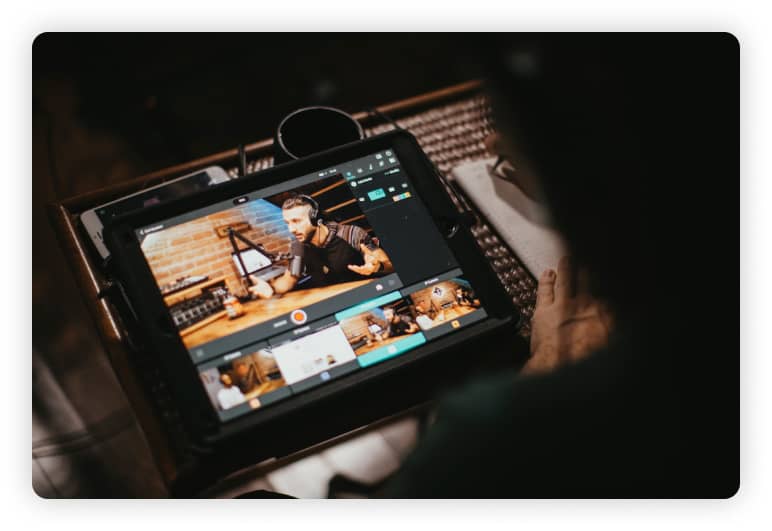
Tell better stories and make your content come to life with multiple angles, rich media, include remote guests, and even share your screen -- all with a few simple clicks.
Live Stream, Record, Edit &
Share Your Content
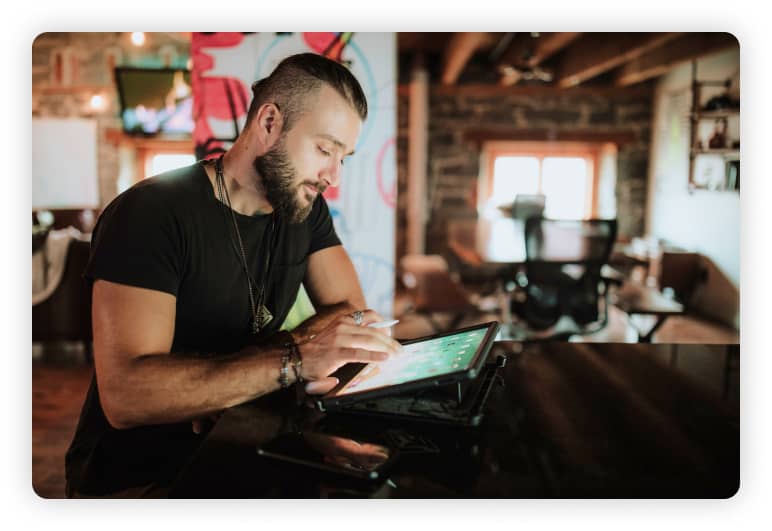
Cinamaker gives you free reign to create and share your video content directly on the platforms that matter to you - individually or all at once via RTMP.

Professional Production
without The Hassle or Expense
Live-edit in real-time or in playback with Cinamaker’s in-app editor and save countless hours in post-production. Plus, export to your favorite video editing software for that extra polish.
+ A Ton of Features: Let Your Live Production Imagination Run Wild
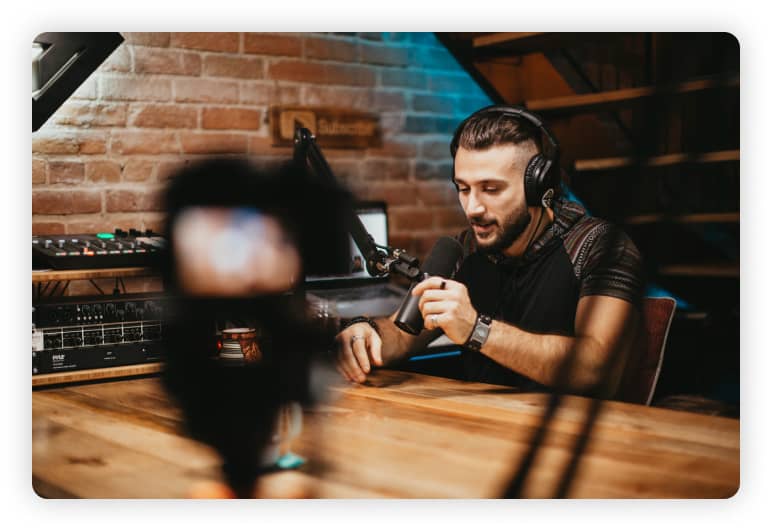
From Picture in Picture - to Greenscreens, Lower Thirds and branded logos and media Cinamaker truly enables you to make your dream production happen live with just a few clicks.
Getting Started with Cinamaker is Simple and Free.
Create Professional Content for all platforms with a single show without the studio, experience nor breaking the bank.
Easy as 1-2-3

Download The App
Available across all Mac/ iOS devices.

Connect Your Devices
From iPhones, iPads or DSLRs or screenshares or Zoom guests you can bring in up to 8 different angles at once

Record & Share
Hit record and or livestream to your audience directly and switch angles in real time effortlessly.
Cinamaker Director Studio (Pro) includes:

Switch up to 8 cameras, iPhones & webcams
Connect RTSP & NDI Pro Cameras and encoders
Connect Pro Audio and Mix up to 8 audio sources
Text and still and animated graphics overlays
Audio & Video Clips
Picture-In-Picture
Chroma-Key
Transition Effects
Virtual Cameras
Multi-Camera Recording
Easy Multi-Camera Editing
Archive Projects to iCloud
Premiere and Final Cut project file compatibility
Output via RTMP to YouTube, Facebook, LinkedIn, more
Include Remote Guests or cameras with our Zoom integration
Output to Zoom, MS Teams, Webex, Skype and more via Virtual Webcam
Share screens/apps from your Mac, iOS, and other network-connected devices
Use Cinamaker for free, or subscribe to a Cinamaker Director Studio PRO Monthly or Annual plan.
System Requirements
Minimum Hardware Configuration:
MacOS
Cinamaker Director Studio:

2018 or newer iMac or MacBook Pro
Operating system – macOS v10.15.6 Catalina or newer
RAM – 8 GB of RAM
Graphics adapter – 2 GB of GPU VRAM
Recommended Hardware Configuration:
MacOS
Cinamaker Director Studio:
2020 or newer Mac mini, iMac or MacBook Pro
Operating system – macOS v11.2.3 Big Sur or newer
RAM – 16 GB or more
Graphics adapter – 4 GB of GPU VRAM or more